Key points
- About 10 Mbps for HD, 15 to 20 for Full HD, 25+ for 4K
- Test on the TV or stick, not the phone by the router
- Add up the needs of every screen used at the same time
"How fast does my internet need to be?" is one of the first questions people ask about IPTV. The headline numbers are simple, but a couple of details make a big difference to what you actually see on screen. Here is what you need to know.
The short version
| Picture quality | Speed per screen |
|---|---|
| SD | about 5 Mbps |
| HD (720p) | about 10 Mbps |
| Full HD (1080p) | 15 to 20 Mbps |
| 4K (2160p) | 25 Mbps or more |
These are comfortable figures with some headroom, not bare minimums. Fast-moving sport benefits from the upper end of each range.
Test where you watch
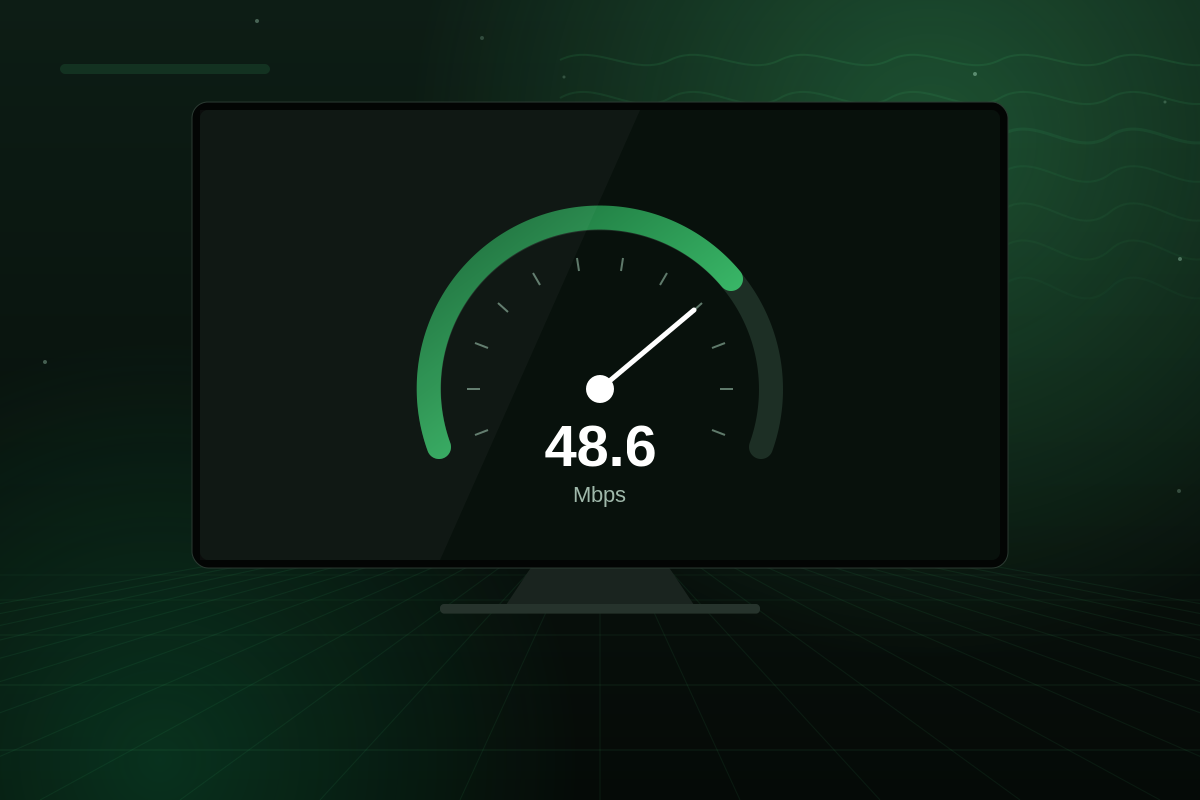
The speed your provider advertises is what reaches the router. The speed that matters is what reaches your TV or stick, which can be much lower if Wi-Fi has to pass through walls and floors. So run the test on the device you watch on. Fire TV, Android TV and Google TV can install a speed test app; many smart TVs have a network test in their settings menu. A phone sitting next to the router will give you a flattering but misleading result.
Stability beats peak speed
A connection that holds 30 Mbps all evening will stream better than one that jumps between 100 Mbps and 5 Mbps. Run a few tests at different times, especially at your usual viewing time. If results vary wildly, the problem is often Wi-Fi interference or a busy network rather than your broadband plan.
Several screens at once
Add up every stream playing at the same time. Two Full HD screens need roughly 30 to 40 Mbps, and a 4K TV plus two HD screens needs around 45 Mbps or more. Do not forget other household use, such as video calls, game downloads and cloud backups. If several people watch at once, a multi-screen plan gives each screen its own stream.
Getting more speed to the TV
- Ethernet cable: the most reliable way to get your full speed to the TV.
- Powerline adapters: send the network through your electrical wiring when a cable is not practical.
- Mesh Wi-Fi: places extra nodes around the home so the TV is never far from a strong signal.
- 5 GHz Wi-Fi: faster than 2.4 GHz over short distances.
- Router position: raise it off the floor and away from thick walls, microwaves and metal.
What different connections can do
Full fibre and good cable connections handle 4K and multiple screens easily. Fibre to the cabinet and VDSL usually cope with Full HD on one or two screens. 4G and 5G home broadband can work well but varies with signal and time of day. Satellite internet and slow rural connections are best suited to HD, and a free trial is the safest way to check.
The device matters too
Even with plenty of bandwidth, an old stick or budget TV can struggle to decode 4K. If the speed test is good but the picture still stutters, try a newer device or lower the quality. Our buffering guide covers the next steps.
Not sure about your connection?
Send us your speed test result and your device on WhatsApp, and we will tell you what picture quality to expect before you buy.