7 min guide
Stremzi on Fire TV Stick
Put Stremzi on any Amazon Fire TV Stick, Stick 4K, 4K Max or Fire TV Cube: prepare the stick, install a player, add your login and adjust a few settings for smooth live TV.
Open the guideSetup guides
Choose the device you watch on and follow the numbered steps. Prefer some company? Message us and we will install Stremzi with you, one screen at a time.
Choose your device
Put Stremzi on any Amazon Fire TV Stick, Stick 4K, 4K Max or Fire TV Cube: prepare the stick, install a player, add your login and adjust a few settings for smooth live TV.
Open the guide
Watch Stremzi on a Samsung (Tizen) or LG (webOS) smart TV: find a player in the TV app store, add your login in the app or through its website, and know when a stick is easier.
Open the guide
Install Stremzi on Android TV boxes, Google TV devices, the NVIDIA Shield and Android phones or tablets: get a player from Google Play, enter your login and fine-tune the settings.
Open the guide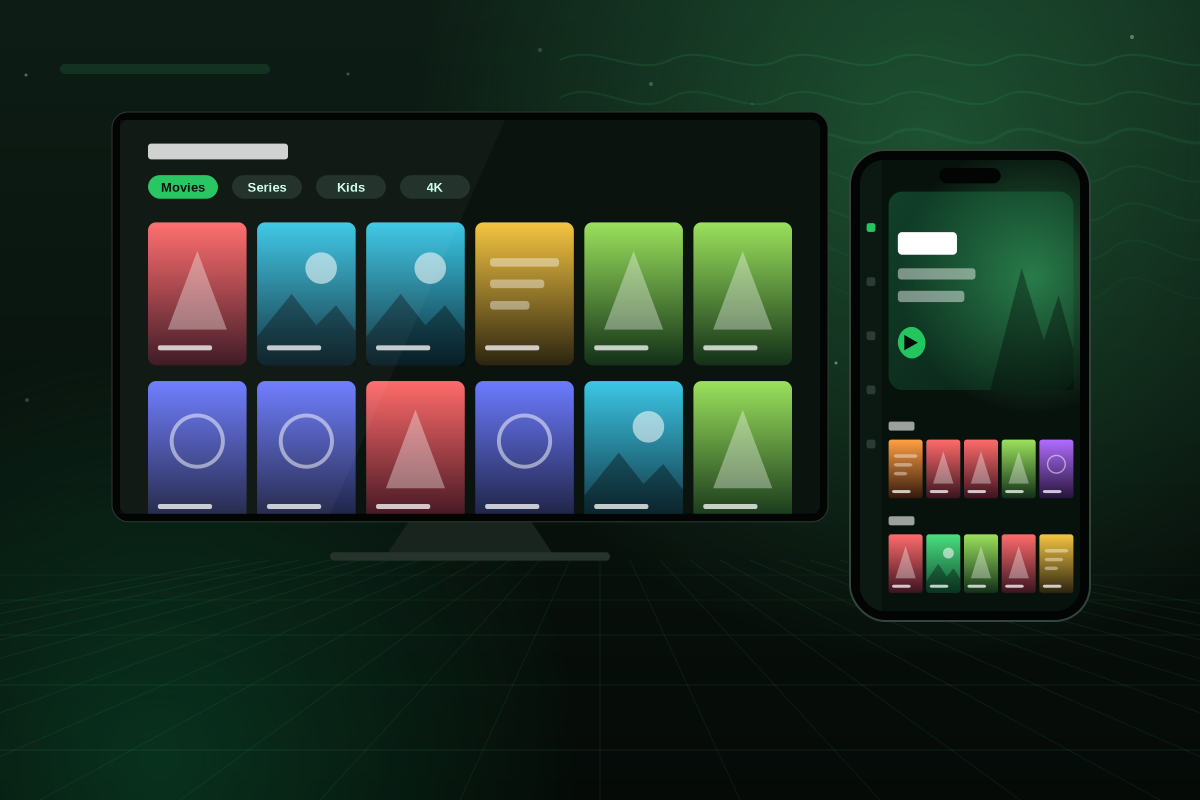
Set up Stremzi on Apple TV HD, Apple TV 4K, iPhone and iPad: pick an IPTV player from the App Store, add your login and use AirPlay or iCloud sync across devices.
Open the guide
Stream Stremzi on a Windows laptop or desktop, MacBook or iMac with a desktop IPTV player or a general media player, and connect to a TV with HDMI when you want a bigger picture.
Open the guide
Link a MAG box (MAG 322, 324, 424, 524 and more) or an Enigma2 receiver to Stremzi: send us the MAC address, enter the portal URL and reboot the box.
Open the guideBefore you start
The server URL, username and password (or M3U link, or portal URL for MAG) that we send on WhatsApp.
About 10 Mbps per screen for HD and 25 Mbps for 4K. A cable is best for TVs and boxes.
We recommend one for your device. Our player app guide compares the main options.
Questions
A compatible device, an internet connection and the login we send on WhatsApp when you order or request a trial. Each guide mentions anything extra.
For most people, a Fire TV Stick 4K, a Google TV or Android TV box or an Apple TV 4K is the smoothest option. Recent Samsung and LG TVs also do well with the right app.
Yes. Send your device on WhatsApp and we will guide you through it, screen by screen if you like.
Send us your device and we will guide you on WhatsApp.